
Best Scan Tools for Mitsubishi Triton & Pajero Injector Coding | Australia
Date Posted:25 February 2026
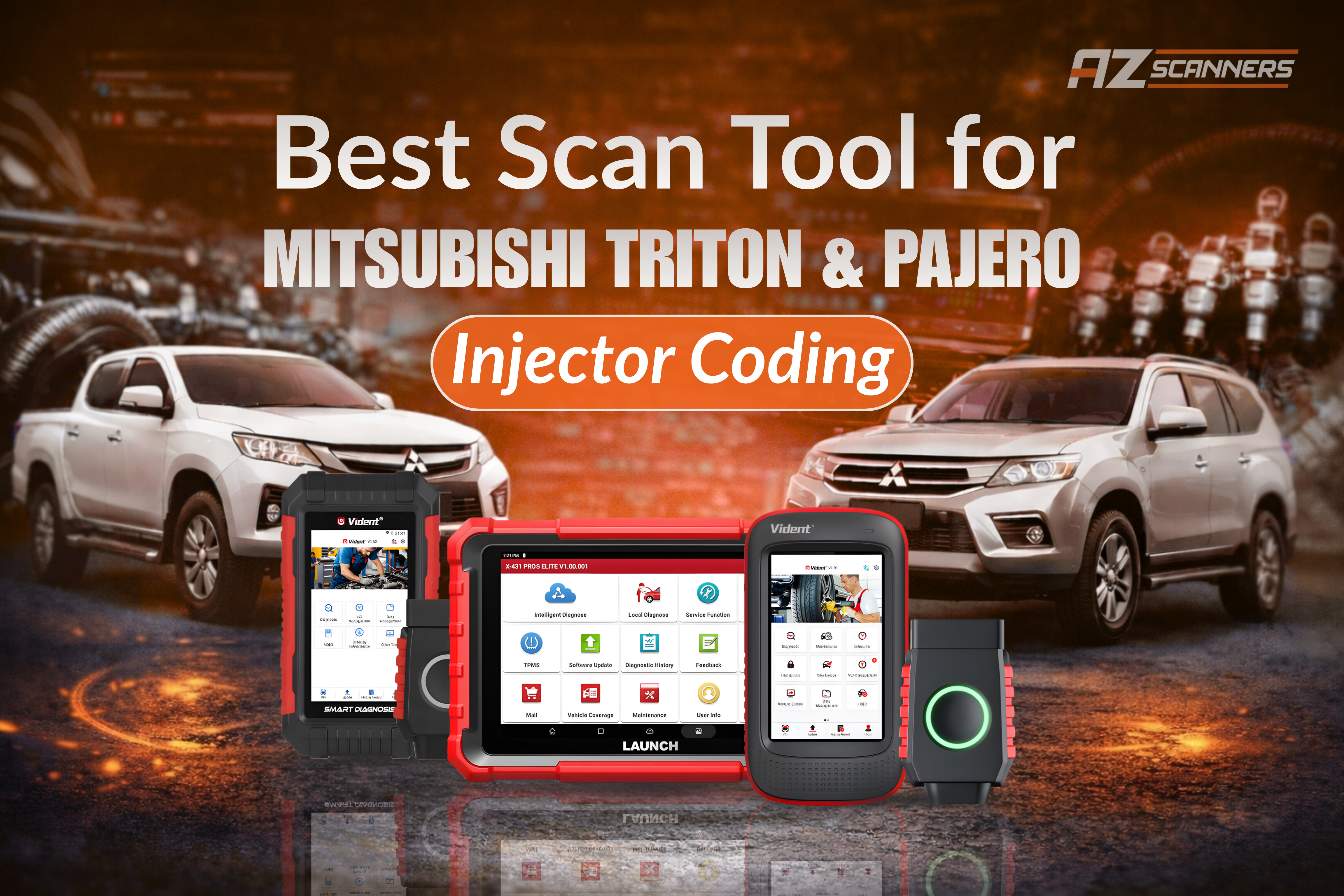
Changed injectors on your Mitsubishi Triton or Pajero/Pajero Sport and now it's running rough? Wondering how to code injectors Mitsubishi diesel's? You're not alone — and chances are the injectors haven't been coded yet.
Modern Mitsubishi diesel engines rely on injector compensation (coding) to fine-tune fuel delivery. Without this step, you may experience rough idle, poor performance, increased fuel consumption, and engine warning lights.
In this guide, we'll explain injector coding, why it's critical for owners, and our recommended Mitsubishi Triton MQ MR, Pajero, and Pajero Sport injector coding scan tools.
What Is Injector Coding?
Each diesel injector has a unique calibration code from the factory. When injectors are replaced or moved, the ECU must be updated with these values so it can balance fuel delivery correctly.
- Smooth idle and throttle response
- Reduced misfires and vibration
- Improved fuel economy
- Correct engine performance and emissions
Skipping injector coding forces the ECU to guess — which is why many vehicles run poorly after injector replacement.
Why Triton & Pajero Owners Run Into This Issue
Injector replacement is common on Mitsubishi diesel vehicles such as:
- Mitsubishi Triton (MN, MQ, MR)
- Pajero & Pajero Sport diesel models
Many repairs stop after the injectors are physically replaced — without performing the ECU coding step. This often results in rough running, fault codes, and poor drivability.
With the right scan tool, injector coding takes just minutes.
Top Scan Tools for Mitsubishi Injector Coding
All tools below support Mitsubishi vehicles, including 4N15 4M41 engine variants, for the injector coding function (vehicle and year dependent), along with DPF regeneration, oil dilution reset, service resets, and full system diagnostics.
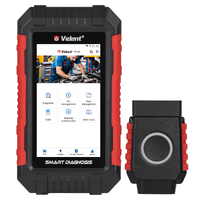
1. Vident iLink400 MAX – Single Make

- Injector coding & compensation codes
- DPF regeneration
- Small quantity learn (SQL)
- Full system diagnostics
→ A Mitsubishi-focused tool with excellent coverage — especially strong on older and newer Mitsubishi systems at a very affordable price.
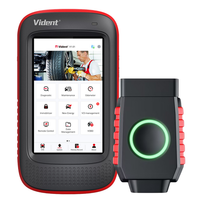
2. Vident iSmart600 Max – Touchscreen All-Rounder
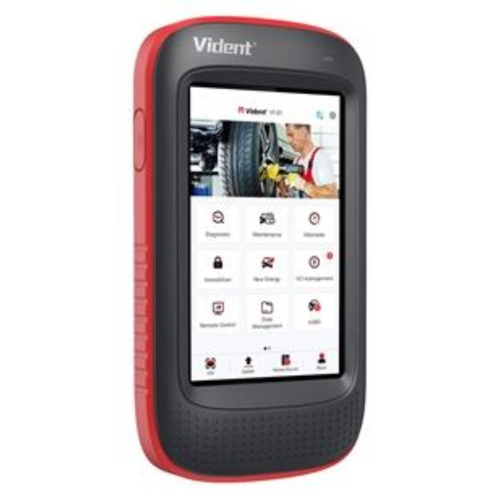
- Injector coding on Mitsubishi vehicles
- DPF regen & service resets
- Full system diagnostics
- Live data & wireless Bluetooth VCI
→ Ideal for DIYers and workshops wanting a modern touchscreen scanner with wide vehicle coverage.
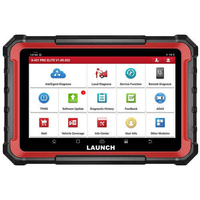
3. Launch X431 PROS Elite – Workshop-Grade Coding & Diagnostics
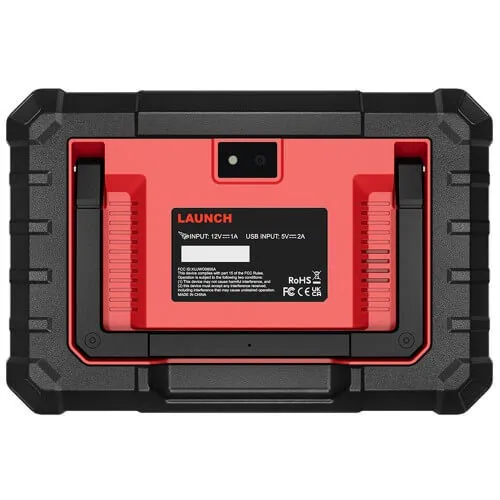
- Injector coding & entry level programming
- Bi-directional (active) tests
- DPF regeneration & advanced service functions
- Full system diagnostics across all modules
→ A powerful tablet-style scan tool delivering near dealer-level functionality — ideal for workshops handling frequent injector work and advanced diagnostics.
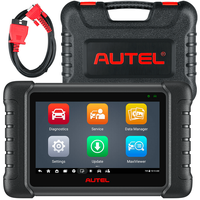
4. Autel MaxiCheck MX808S – Entry Level Professional
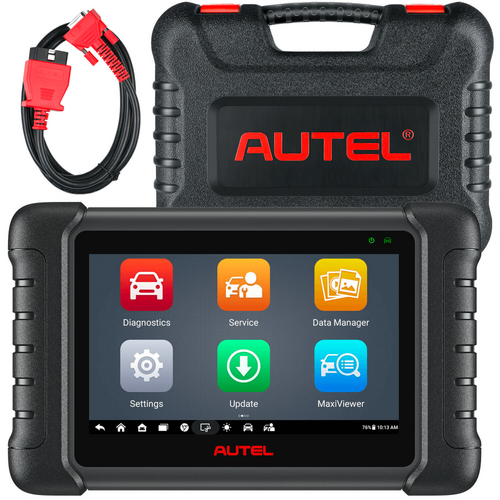
- Injector coding
- DPF regeneration
- Battery registration
- Full system diagnostics
→ Fast, reliable and extremely popular in workshops — a great balance between DIY ease and professional capability.
Can You Code Injectors Without the Dealer?
- Code injectors in minutes
- Clear fault codes correctly
- Restore smooth engine performance
- Save hundreds in labour costs
→ Injector coding is one of the most valuable diagnostic functions Triton and Pajero owners can perform themselves.
Final Thoughts
If you've replaced injectors on your Mitsubishi Triton, Pajero or Pajero Sport and haven't performed injector coding, rough running is almost guaranteed.
The solution is simple — use a scan tool that supports Mitsubishi injector coding.
Whether you're after a Mitsubishi-specific budget option, a modern touchscreen scanner, or a powerful workshop-grade tool, there's a solution to suit every need and budget.
*Please note: Function coverage can vary depending on the specific vehicle model, year, engine, and scan tool. Not all features are supported on every vehicle.
→ Browse our full scan tool range online or reach out to our team on 03 8658 8894 to confirm compatibility before purchasing.
Mitsubishi Injector Coding Scan Tools Comparison
Comparison Table: Vident iLink400 MAX | Vident iSmart600 Max | Launch X431 PROS Elite | Autel MaxiCheck MX808S
Vident iLink400 MAX |
Vident iSmart600 Max |
Launch X431 PROS Elite |
Autel MaxiCheck MX808S |
|
|---|---|---|---|---|
|
|
|
|
|
|
| Hardware | ||||
| Operating System | Android 7.1.2 | Android 7.1.2 | Android 10.0 | Android 11 |
| Processor | Cortex-A7, 1.4GHz | Cortex-A7, 1.4GHz | 2.0GHz Quad-core | Cortex-A9, 1.5GHz |
| RAM | 1GB | 1GB | 4GB | 4GB |
| Storage | 64GB | 72GB | 64GB | 64GB |
| Display | 5" touchscreen | 5" touchscreen | 8" touchscreen | 7" touchscreen |
| Battery | 4200 mAh | 4200 mAh | 6300 mAh | 5000 mAh |
| Connectivity | Bluetooth VCI (Wireless) | Bluetooth VCI (Wireless) | Wired | Wired |
| Software | ||||
| Vehicle Coverage | 1 Brand (expandable) | 130+ brands | 150+ brands | 150+ brands |
| System Diagnostics | Full system | Full system | Full system | Full system |
| Service Functions | 30+ | 30+ | 38+ | 28+ |
| Oil Service Reset | ✓ | ✓ | ✓ | ✓ |
| SAS (Steering Angle Sensor Calibration) | ✓ | ✓ | ✓ | ✓ |
| EPB (Electronic Parking Brake) | ✓ | ✓ | ✓ | ✓ |
| ETC (Electronic Throttle Control) | ✓ | ✓ | ✓ | ✓ |
| BMS (Battery Management Service) | ✓ | ✓ | ✓ | ✓ |
| SAS (Steering Angle Sensor Calibration) | ✓ | ✓ | ✓ | ✓ |
| DPF (Diesel Particulate Filter) | ✓ | ✓ | ✓ | ✓ |
| BLD (ABS Bleed Service) | ✓ | ✓ | ✓ | ✓ |
| INJ (Injector Coding Service) | ✓ | ✓ | ✓ | ✓ |
| TPMS Reset | ✓ | ✓ | ✓ | ✓ |
| Auto VIN | ✓ | ✓ | ✓ | ✓ |
| Bi-Directional Control | ✓ | ✓ | ✓ | ✓ |
| ECU Coding | Entry | Entry | Entry | - |
| CAN FD & DoIP Support | ✓ | ✓ | ✓ | - |
| Remote Diagnostics | - | - | ✓ | ✓ |
| Software Updates | 3 Yrs Free | 3 Yrs Free | 2 Yrs Free | 2 Yrs Free |
| LEARN MORE | LEARN MORE | LEARN MORE | LEARN MORE |
Frequently Asked Questions
Please note: While injector coding itself is a straightforward procedure, we recommend exercising caution and ensuring you are confident before proceeding. If you are unsure at any point, we always recommend consulting a qualified mechanic — incorrect coding or interrupted procedures could affect engine performance.